
Phishing FAQs
What is a phishing email?
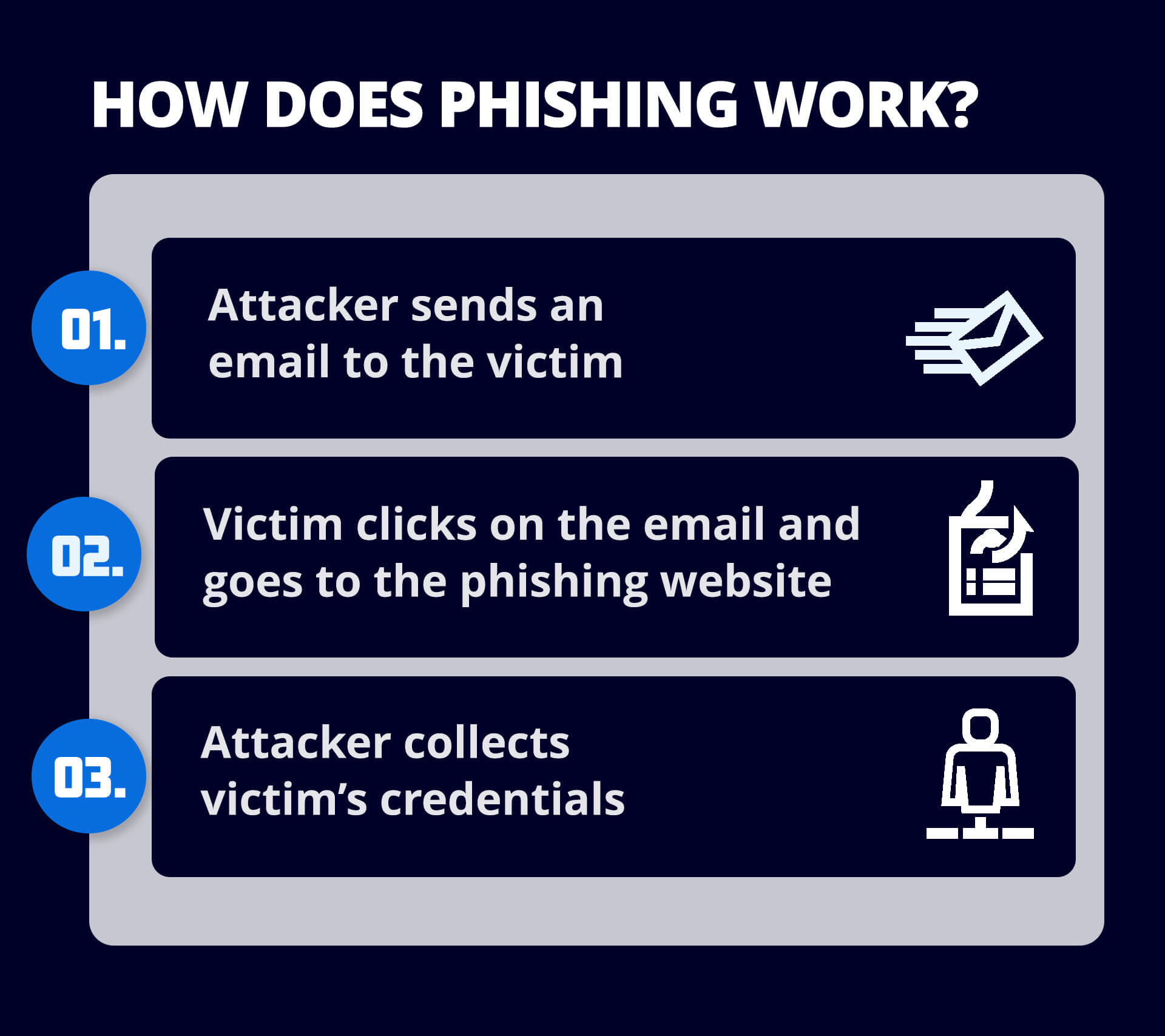
A phishing email is an email that pretends to be from a trusted organization and attempts to trick the recipient into divulging sensitive information like passwords, bank account numbers or credit card details. Phishing emails may also attempt to get users to click on a link that will download malware to their computer.
How can I spot a phishing email?
Spotting a phishing email requires a keen eye for details that don’t add up. Here are a few signs to look out for:
- Suspicious sender email addresses : Phishing emails often come from addresses that closely mimic legitimate ones but have slight variations, such as an extra letter or different domain.
- Generic greetings : Phishing emails often use generic greetings like "Dear Customer" instead of addressing the recipient by name.
- Urgent or threatening language : Emails that create a sense of urgency, warning you about an account problem or security breach, are often designed to make you act quickly without thinking.
- Poor grammar and spelling mistakes : Many phishing emails contain obvious spelling and grammatical errors that legitimate organizations wouldn’t have in their communications.
- Suspicious links or attachments : Always hover over links before clicking to see where they actually lead, and avoid downloading unexpected attachments.
How can I block a phishing email?
Even with a third-party email security service in place, users must remain proactive to block phishing emails effectively. Here’s how:
- Stay vigilant: Always be cautious when dealing with unexpected emails, especially those asking for personal or financial information. Check for red flags such as unusual language, suspicious links, or requests for urgent action.
- Verify sender details: If an email seems suspicious, don’t rely solely on its display name. Check the full email address, and if in doubt, contact the sender through another channel to verify the message’s legitimacy.
- Urgent or threatening language: Emails that create a sense of urgency, warning you about an account problem or security breach, are often designed to make you act quickly without thinking.
- Avoid clicking on links or downloading attachments: Never click on links or download attachments from unfamiliar or unexpected emails, even if they seem legitimate. Hover over links to preview the URL and ensure they lead to trusted sites.
- Mark suspicious emails as spam: If a suspicious email makes it through your filters, mark it as spam to prevent future messages from that sender. This can also help your email security service learn to better detect such emails.
- Leverage your email security service’s advanced features: Your email security service likely scans for phishing threats in real time, analyzing incoming messages for dangerous links, malicious attachments, or spoofed domains. Ensure that features like URL protection and attachment scanning are enabled to provide comprehensive protection.
- Enable multi-factor authentication (MFA): If you or your organization hasn't implemented MFA, it's a crucial step to protect against phishing. Even if credentials are compromised, MFA adds an additional layer of defense, preventing unauthorized access to accounts.
- Keep software updated: Ensure your security software, browsers, and email clients are up to date. Many phishing attempts exploit vulnerabilities in outdated software, so regular updates help close those security gaps.
- Implement DMARC (Domain-based Message Authentication, Reporting & Conformance): If your business handles email, setting up DMARC policies will help prevent email spoofing and phishing attempts by ensuring only legitimate emails are sent from your domain.
Who are the targets of phishing attacks?
Phishing attacks can target anyone, but there are specific groups that are more vulnerable:
- Individuals: Everyday users are common targets, especially those who may be less familiar with recognizing phishing attempts.
- Businesses: Companies, particularly those handling sensitive information or financial transactions, are frequently targeted by spear phishing and whale phishing attacks.
- Executives: High-level executives, especially CEOs and CFOs, are prime targets for "whaling" attacks due to their access to large financial assets and sensitive information.
- Employees in sensitive departments: Employees working in HR, finance, or IT are often targeted because they handle critical information like payroll, personal data, or access credentials.
- Customers of financial institutions: Banks and payment platforms are commonly impersonated in phishing emails targeting individuals to steal their account information.
What is a phishing virus?
A phishing virus is a form of malware that is installed on a user’s computer as part of a phishing attack. Phishing is a type of cybercrime where attackers pose as a trusted or legitimate business to dupe an individual into sharing information such as bank account numbers, credit card details, login credentials and other sensitive data, and/or to download a phishing virus onto the user’s computer.
Why are phishing attacks successful?
Successful phishing attacks generally play on several factors:
- Trust: By appearing to originate from a source that the user knows and trusts, phishing attacks bypass any suspicion about incoming email.
- Fear: Many successful phishing attacks trick users into clicking a link by making them think there’s a problem that needs to be resolved quickly or that there will be consequences from a higher authority or a superior if they don’t respond quickly.
- Lack of time: Attackers know that most users are short on time and that they want to read and respond to an email as quickly as possible – which makes it more likely they won’t look closely at its content.
- Volume: It’s very inexpensive to mount phishing attacks by sending large volumes of email, and attackers only need a few people to “take the bait” to make it worth their while.
- Phishing attacks are increasingly sophisticated and more difficult to spot: Advanced attacks such as spear-phishing and whaling use social engineering techniques to convince recipients that an email is legitimate.
How do I prevent phishing?
Preventing phishing attacks requires a multi-layered approach to cybersecurity.
- Implement security awareness training for users to defend against human error – one of the leading causes of security breaches – by helping users spot the signs of phishing
- Implement DMARC authentication to block emails that use domain spoofing and brand hijacking, which are common in phishing
- Deploy anti-phishing and anti-malware programs on endpoint devices and networks.
- Encourage users to require multi-factor authentication when logging into accounts.
Where should I report phishing?
If you believe you have received a phishing email, you can forward it to the Federal Trade Commission (FTC) at spam@uce.gov and to the Anti-Phishing Working Group at reportphishing@apwg.org. You may also report the attack to the FTC at ftc.gov/complaint, to your email provider (e.g., Outlook or Gmail) and to the actual company that the email is impersonating.